+86 13688916156 (WhatsApp & WeChat)
 Email: sales@lifmei.com
 Region/Language
Products Recommended
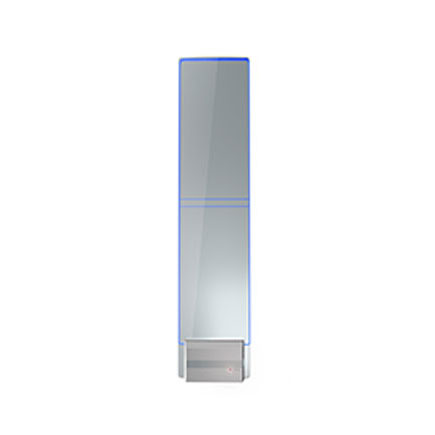
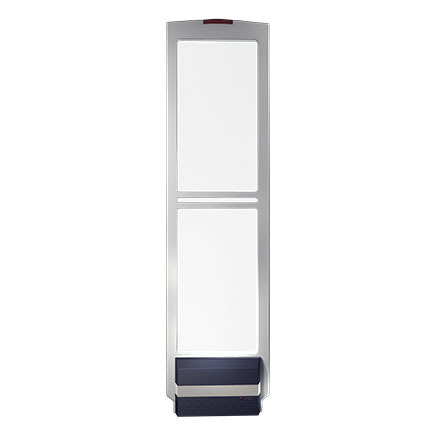
False alarms from EAS (Electronic Article Surveillance) anti-theft systems are a common headache for many supermarkets and retail stores. When the alarm goes off despite no unpaid merchandise passing through, it not only disrupts the customer shopping experience but also places unnecessary pressure on store staff.
Drawing from hands-on project experience, this article systematically outlines the core causes of EAS false alarms and provides practical troubleshooting solutions to help retailers quickly identify and resolve equipment issues.
1. Hardware-Related Causes
1.1 Improper Installation and Placement
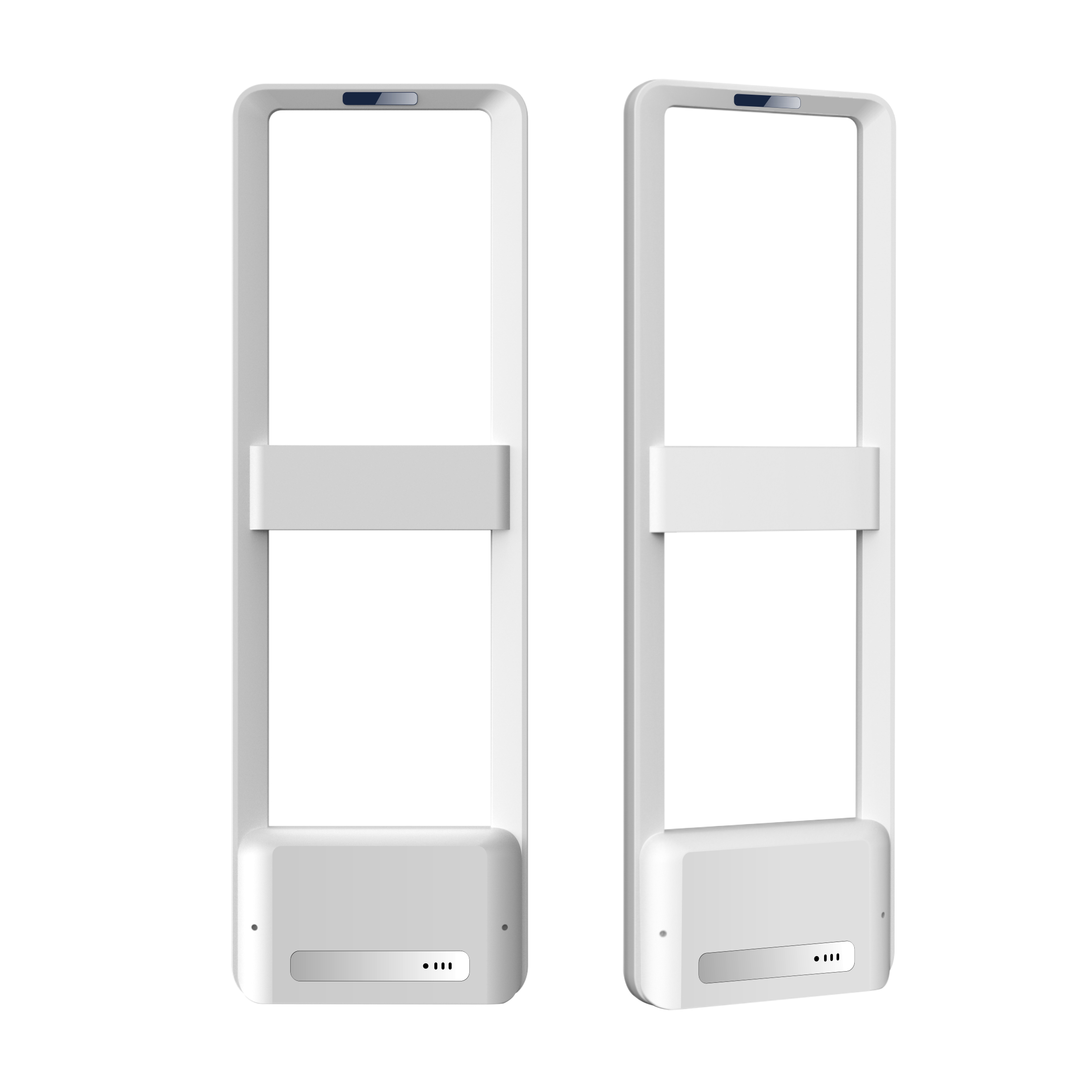
When the distance between antennas does not meet specifications, or the units are tilted or at uneven heights, the detection zone becomes unstable—leading to random false alarms.
Recommendation: Always follow the product manual for antenna spacing. For standard supermarket EAS systems, the optimal distance is 1.2–1.6 meters. Ensure both antennas are vertically aligned and positioned away from metal pillars or structural columns.
1.2 Equipment Aging and Loose Connections
After prolonged continuous operation, loose wiring terminals and unstable host power supplies can cause abnormal signal output, resulting in erratic alarm behavior.
Recommendation: Inspect all host connections and firmly tighten any loose terminals. Check whether the power adapter is aging or damaged, and replace it with a compatible original part if necessary.
2. Environmental Interference
2.1 Metal Object Interference
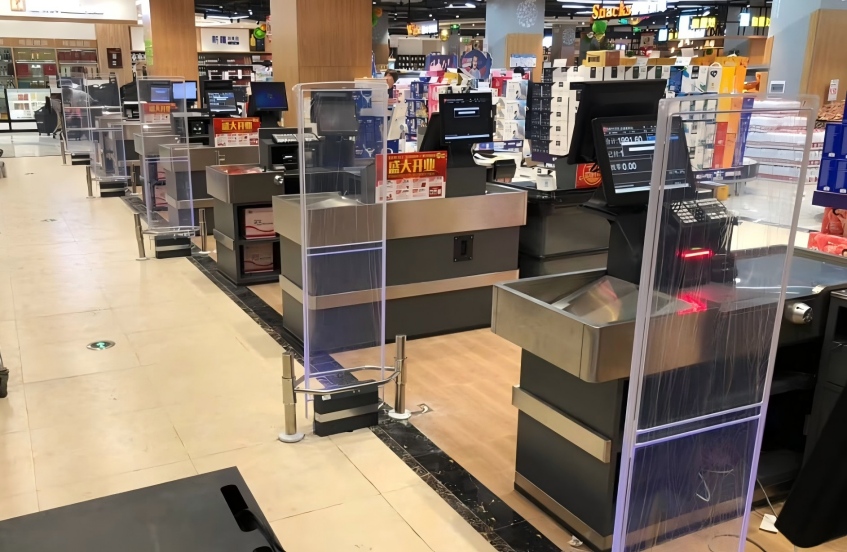
Metal shelves, stainless steel door frames, and metal checkout counters positioned too close to the antennas can strongly interfere with RF signals. This is actually the most frequent cause of false alarms in supermarket settings.
Recommendation: Keep the area within 1 meter of the antennas clear of large metal structures whenever possible. If the metal objects cannot be moved, try adjusting the antenna angle to minimize signal disruption.
2.2 Interference from Other Electronic Devices
Devices such as surveillance cameras, high-power outlets, walkie-talkies and their base stations, or other anti-theft systems operating on similar frequencies can create signal conflicts with the EAS equipment.
Recommendation: During troubleshooting, switch off nearby high-power electronic devices one by one to see if the alarm returns to normal. Additionally, route the EAS host power cable separately from other high-power lines to prevent cross-interference.
3. Tag and Demagnetization Issues
3.1 Incomplete Tag Demagnetization
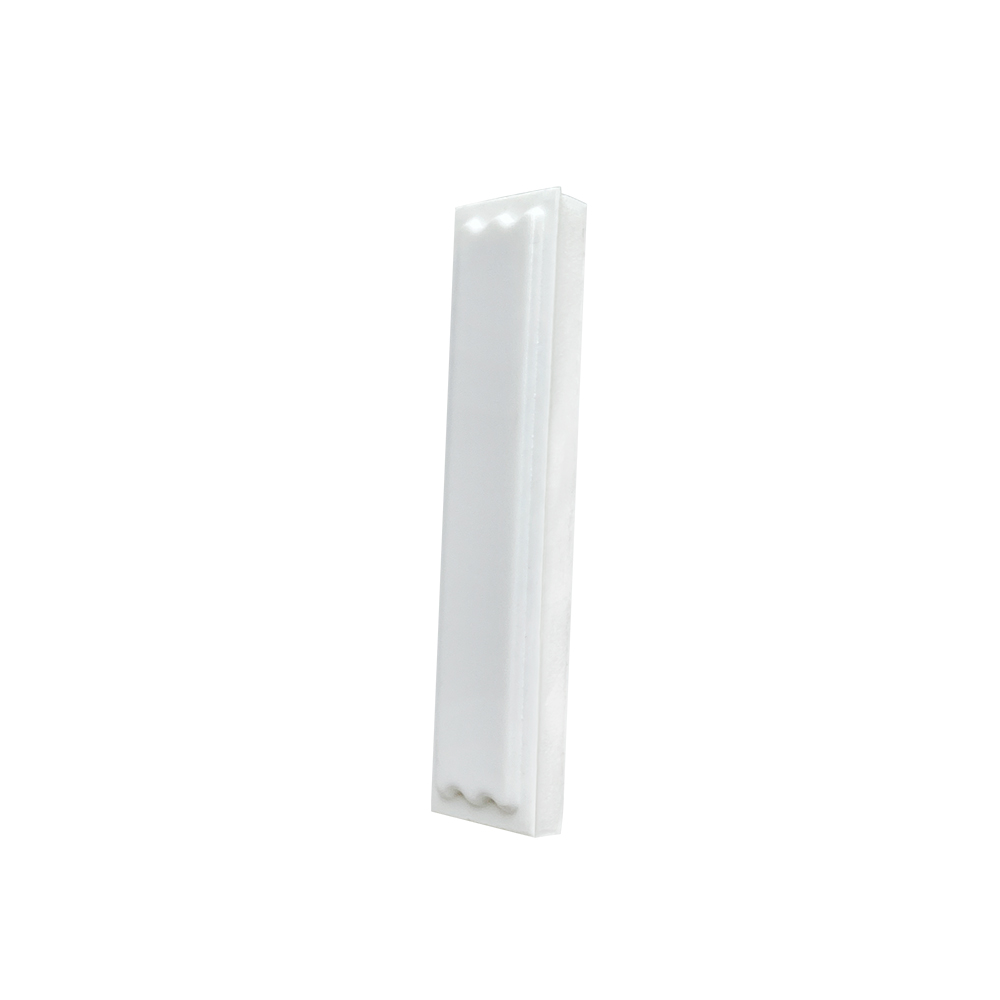
If a cashier fails to properly demagnetize a soft tag at checkout, the tag signal remains active and will trigger the alarm when the customer passes through the antennas—even though the item has been paid for.
Recommendation: Provide regular training for cashiers on proper demagnetization procedures. Ensure the demagnetization pad is powered on at all times, and instruct staff to place tags flat against the pad surface for complete deactivation.
3.2 Residual Security Tags
Tags embedded in customers' personal belongings—such as bags, accessories, or old tags left on products—can also set off the alarm when passing through the detection zone. Importantly, this is not a device malfunction.
Recommendation: Staff should politely guide the customer to check their personal items. No equipment repair is needed in these cases.
4. Routine Maintenance Tips
Proactive maintenance is key to minimizing false alarms:
- Clean the antenna surfaces regularly to remove dust buildup.
- Inspect cables for signs of wear or aging.
- For newly opened or renovated stores, have a professional technician on-site during the initial EAS installation to calibrate signal parameters according to the specific store environment. This step alone can significantly reduce false alarm incidents down the line.
Frequent false alarms from supermarket EAS systems are not always a sign of equipment failure. Environmental interference, improper installation, and incorrect tag demagnetization procedures are often the real culprits. When facing persistent false alarms, we recommend working through the checks outlined above in order—most issues can be quickly identified and resolved.
If your store encounters equipment problems that cannot be resolved in-house, please feel free to contact our technical support team for professional assistance.

 +86 13688916156 (WhatsApp & WeChat)
 sales@lifmei.com
 No.159, Liyatang Lincun Community, Tangxia Town, Dongguan, Guangdong, China, 523711